
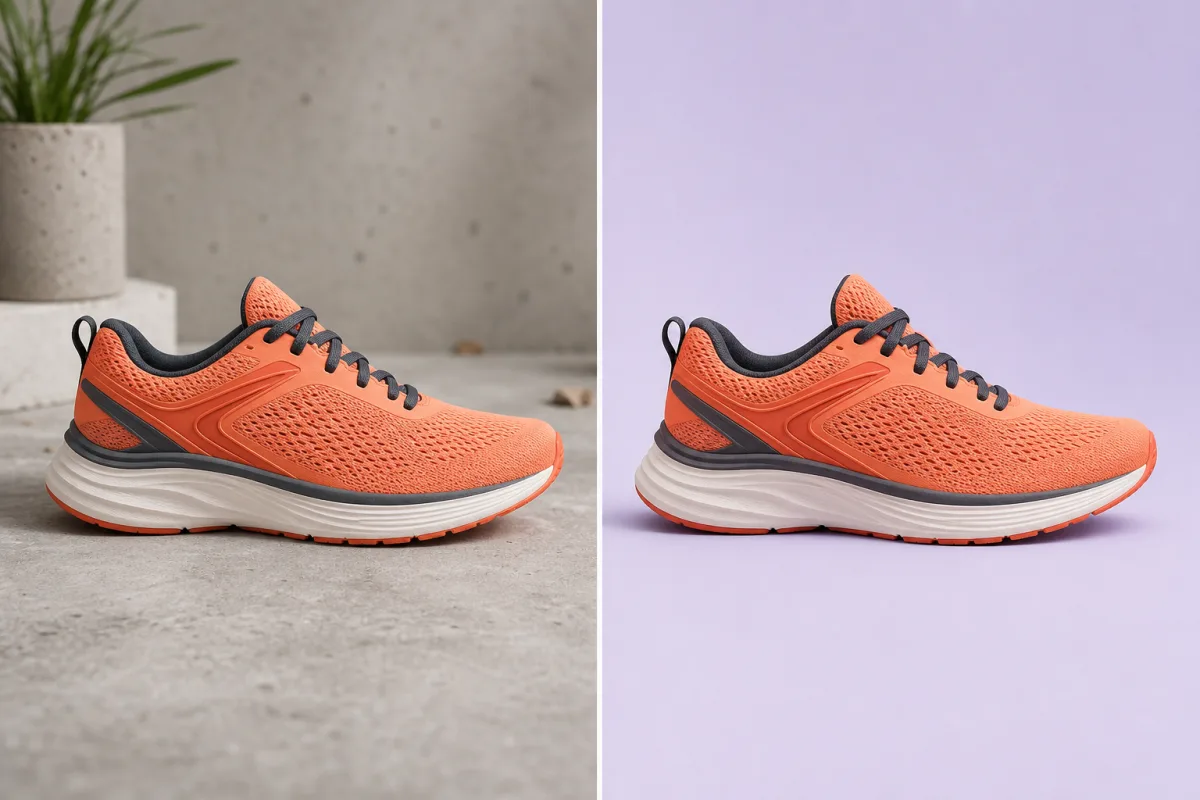
 BeforeAfter
Ecommerce
Turn casual product shots into clean listings
Clean up distracting backgrounds, then review the edges, labels, and product details against your original.
Review before publishing
Check, clean up, and resize your Amazon and ecommerce images with PicDo AI. Start with one photo. We recommend the next step.
Explore the role of a main, lifestyle, and feature image before preparing your own product photo.
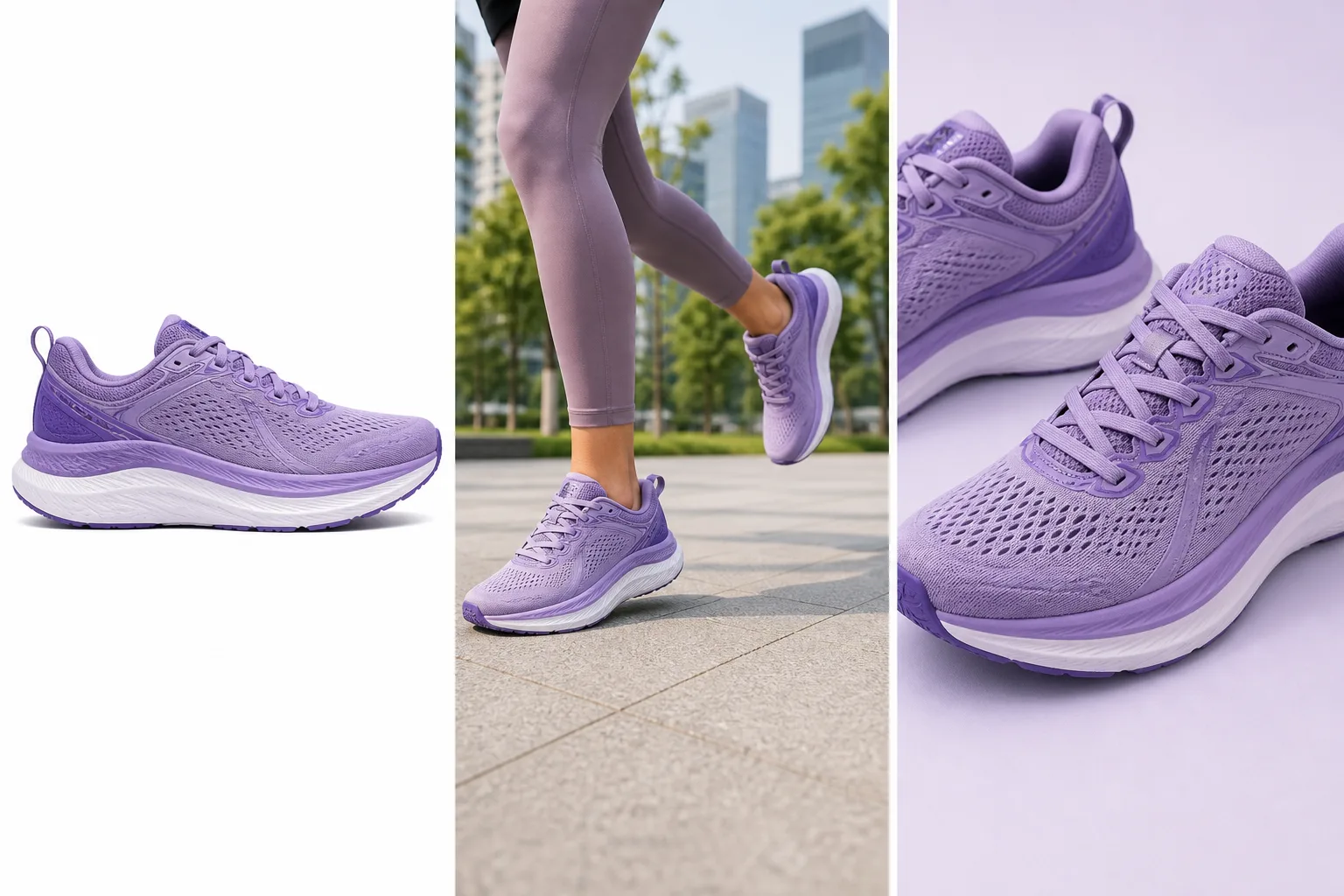
Illustrative layouts, not a verified output from your photo. Review product details in every generated image before publishing.
Pure-white product cutout for the listing hero.
Show the product in a credible, useful context.
Bring material and construction details forward.
Image checks and browser resizing are free. AI background removal and scene generation use an available daily task or credits.
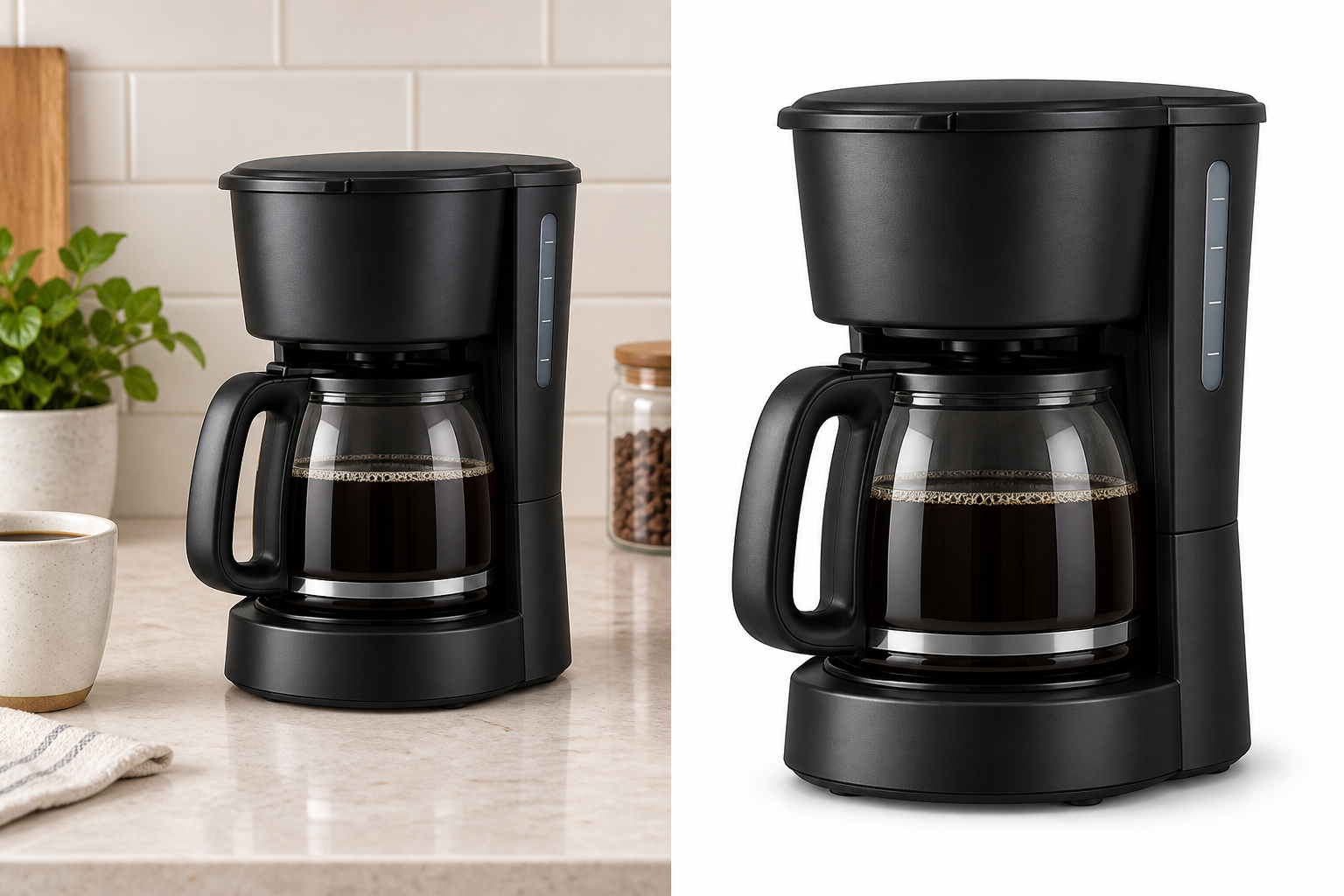
Check an Amazon imageThese illustrative before-and-after layouts show possible uses for background cleanup. Results depend on the source photo and need review.
BeforeAfterEcommerce
Clean up distracting backgrounds, then review the edges, labels, and product details against your original.
Review before publishing
 BeforeAfter
Creators
Prepare a portrait cutout, then inspect hair and clothing edges before reusing it.
Clean edges, natural details
 BeforeAfter
Marketplace
Isolate furniture and home goods from busy rooms for a clearer, more focused listing.
Less clutter, more focus
Supporting tools for product cutouts and image quality. Start with the Amazon checker when you need a recommended next step.
Start with free preparation. Run an AI task only when you choose to create or change an image.
| Feature | Free preparation | AI and listing workflow |
|---|---|---|
| Image checks | Free preparationTechnical checks run in your browser without credits. | AI and listing workflowOptional AI recognition helps plan later listing images. |
| Background | Free preparationInspect the current background and keep it when suitable. | AI and listing workflowAutomatic background removal uses an available daily task or credits. |
| Resize and export | Free preparationExport a 2,000 × 2,000 JPEG locally without credits. | AI and listing workflowAI generation is separate from the free resize step. |
| Listing images | Free preparationReview your source, crops, and seller-provided measurements. | AI and listing workflowGenerate additional assets using the allowance or credits shown in the tool. |
PicDo AI is an online AI product photo editor for Amazon and ecommerce listings. It combines background removal, practical image checks, enhancement, and focused listing-image workflows.
No. You can try PicDo AI directly in your browser without creating an account.
PicDo AI focuses on guided product-photo tasks instead of a general-purpose manual canvas, so sellers can prepare listing assets without learning layers, masks, or a professional editing workflow.
Yes. The homepage checks your product photo first, then recommends the next step. Choose Remove Background for a transparent PNG, or the Amazon white-background workflow for an opaque white JPEG. Automatic removal uses an available daily task or credits.
The current editor accepts JPG, PNG, and WebP images up to 10 MB.
Technical image checks and browser resizing are free and do not use credits. Eligible image tools share up to three free AI tasks per day. Optional paid monthly plans add 150, 600, or 5,000 credits for higher usage. Video and other paid tools have separate costs shown before generation.
Yes. PicDo AI's live AI Image Enhancer creates a 2× WebP while preserving the original aspect ratio. Current inputs can be up to 2,048 px per side and 4 MP.
PicDo AI puts a working product-photo editor directly on the homepage, then connects the result to focused Amazon, enhancement, and image-generation workflows instead of making you start from a blank canvas.