
01
Interior rooms
Improve the visible definition of furnishings, fixtures, and architectural edges.
Enhance a property photo with PicDo AI and create a 2× result for closer inspection, larger layouts, and more flexible real estate listing preparation.
Enhancement generates additional pixel detail; it cannot recover every detail that was absent from the source. Review the output before using it in a listing.
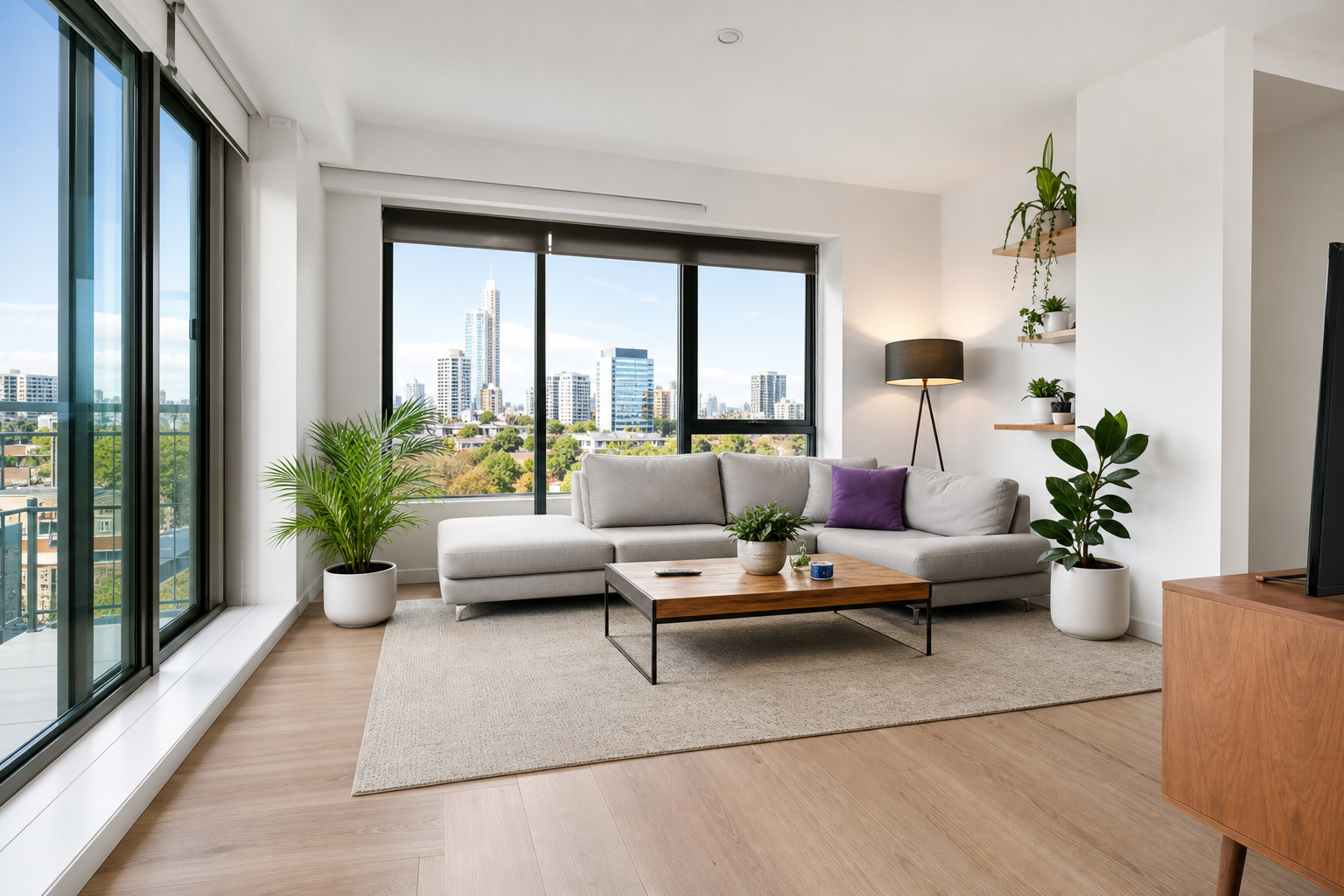
A larger, clearer source helps viewers examine room finishes, fixtures, materials, and architectural lines without changing what the property actually contains.
Improve visible definition around windows, trim, furniture, and fixtures.
Create a 2× version for larger layouts and closer review.
Apply the same focused enhancement step across a listing set.
The same enhancement workflow can support documentary listing images and clearly separated marketing assets.
01
Improve the visible definition of furnishings, fixtures, and architectural edges.
02
Create a larger source while keeping the original composition and aspect ratio.
03
Make materials and smaller property details easier to inspect at a larger size.
04
Prepare supporting team, neighborhood, and brochure imagery for larger placements.
Keep documentary property photos separate from conceptual marketing imagery and use each tool for its stated purpose.
Improve resolution and visible detail in a real property photo while preserving its aspect ratio.
Enhance a property photoCreate clean agent portraits or isolated supporting assets for brochures and presentations.
Remove a backgroundExplore clearly labeled conceptual marketing visuals—not documentary images of a real property.
Generate a concept imageThe original and enhanced result stay visible together so you can review the output before downloading it.
Choose a JPG, PNG, or WebP up to 10 MB and within the supported dimension limits.
PicDo AI generates a result at twice the original width and height.
Compare both versions, check factual accuracy, and download the WebP when ready.
AI enhancement should improve the presentation of a truthful source image—not change the facts a buyer or renter relies on.
Practical and editorial guidance for the current 2× enhancement workflow.
PicDo AI applies AI super-resolution to create a result at twice the original width and height. It can improve visible edge definition and generate additional pixel detail while preserving the original aspect ratio.
The tool is designed for resolution enhancement, not property alteration. AI-generated detail is still an inference, so compare the result with the original and do not publish anything that conceals defects or misrepresents the space.
PicDo AI accepts JPG, PNG, and WebP files up to 10 MB, 2,048 pixels per side, and 4 megapixels. The enhanced result is downloaded as a high-quality WebP.
Technical and disclosure requirements vary by listing service, advertising channel, and location. Review the enhanced image for accuracy and confirm the current rules that govern your listing before publishing.
No. Uploaded originals and enhanced results are scheduled for automatic deletion after one day. Download any result you want to keep.
Not currently. PicDo AI processes one photo per task and provides up to three shared AI tasks per day without an account.
Open PicDo AI's complete set of image enhancement, editing, and generation workflows.
Try the full AI Image Editor