Main image
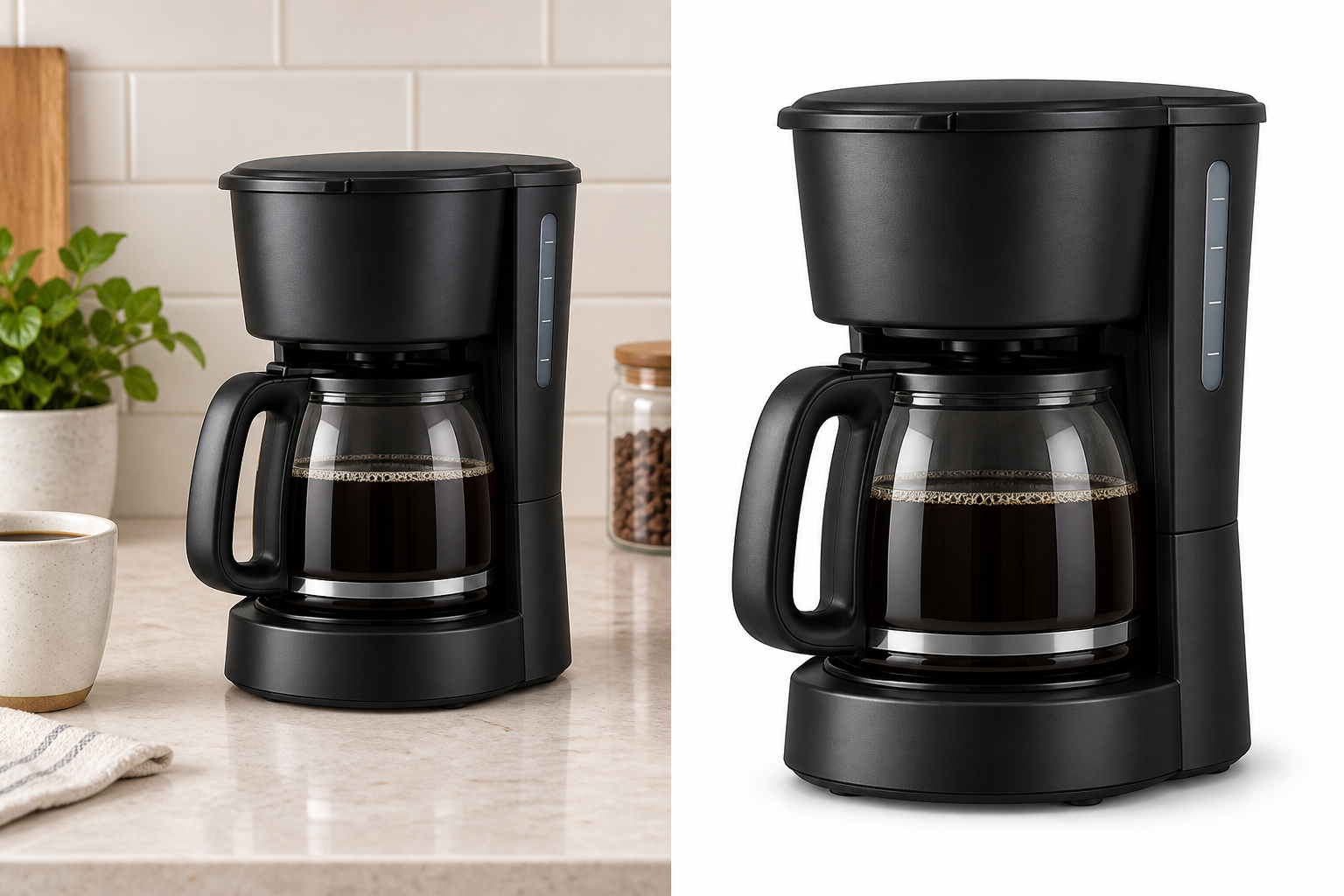
An opaque JPEG with a pure-white direction, cleaner framing, and the exact product kept in focus.
Amazon main image checker
Upload a product photo to check dimensions, white background, transparency, framing, and sharpness. PicDo AI then explains what to fix before you submit the image for seller review.
The seven technical checks run locally in your browser. Your image is only uploaded if you choose an AI background fix. Results are practical guidance, not a guarantee of Amazon approval.
Before · Risk of rejection
After · Amazon-ready direction
What needs attention
Recommended result
Your fix plan
PicDo AI groups the results into Must fix, Passed, and Review, then recommends the next action for your image.
Check my product photoNeed the complete rule guide?
Review pure-white background guidance, 85% framing, technical specifications, prohibited overlays, and category-rule limits before using this checker on the actual file.
What the checker measures
Dimensions and file type are deterministic. Pixel-based checks are estimates, so treat the score as a preflight signal rather than proof that Amazon will accept the image.
Flags files that need re-exporting before Amazon submission.
Reads the original width and height in pixels.
Flags unusually wide or tall compositions for review.
Samples border pixels to estimate whether the canvas is white.
Finds transparent or semi-transparent pixels in supported files.
Estimates whether the subject looks too small inside the frame.
Uses an edge-contrast heuristic to flag likely blur.
01
Upload the source image. Seven technical checks run locally; a compressed analysis copy is used for the AI product plan.
02
Open every flagged item and compare it with the rule for your category and marketplace.
03
Create an opaque white-background JPEG if needed, then run the downloaded result through the checker again.
Preparing a complete catalog? See the AI product photo editor for ecommerce for background removal, enhancement, and campaign-image workflows.
From one product photo
Start with the main-image check, then choose whether you need only a corrected product image or a fuller listing pack. Every generated download is normalized to JPEG and kept below the Amazon workflow's 10 MB limit.
An opaque JPEG with a pure-white direction, cleaner framing, and the exact product kept in focus.
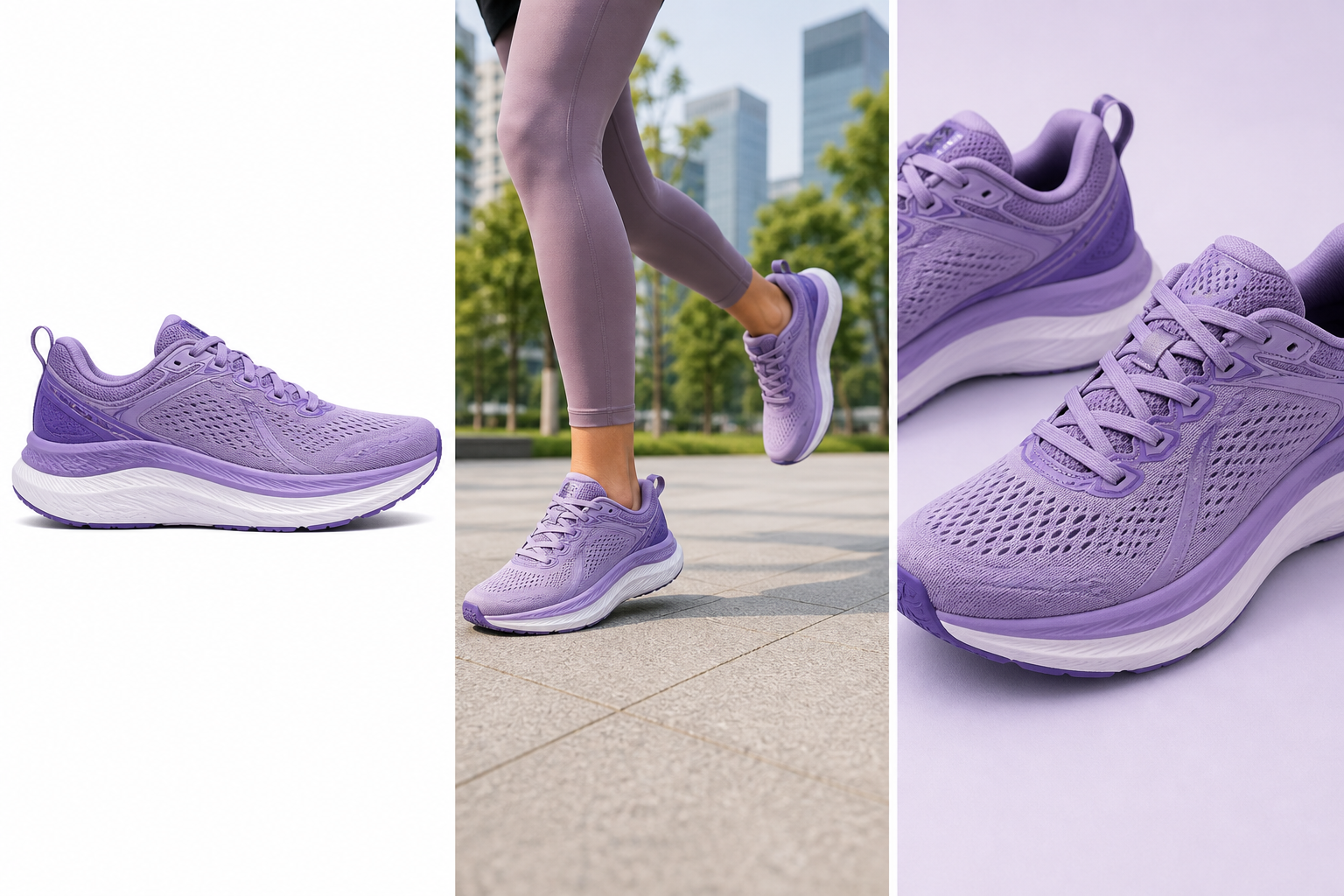
An optional secondary image that places the locked product in a restrained, relevant context.
An optional supporting image using seller-confirmed copy instead of invented product claims.
Photoshop workflow
Follow the focused Photoshop guide to set pixel dimensions, build a white canvas, check product framing, and export a JPEG.
Related product photo tools
Create a centered white-background image while keeping the product locked.
Open tool →See the current dimensions and export our recommended square JPEG.
Open tool →Remove the background for catalogs and other marketplace workflows.
Open tool →FAQ
The seven technical checks run locally in your browser using the Canvas API. PicDo AI creates a compressed JPEG analysis copy, up to 1,600 pixels on its longest side, and sends that copy to Cloudflare Workers AI for product recognition and the recommended image plan. If you choose Fix for Amazon, Lifestyle, or Feature, PicDo AI also uploads the required product image for that processing step.
Resolution and format are direct file measurements. Background whiteness samples border pixels, transparency counts pixels with low opacity, product-area uses a border-interior heuristic, and sharpness uses an edge-contrast estimate. The pixel-based checks are not exact Amazon validations.
Some checks require reading image pixel data, which may be blocked in certain browser configurations (e.g., privacy extensions, headless browsers). The checks that rely on pixel sampling are marked as approximate algorithms.
A score of 80 or above is labeled Ready, 50–79 is Needs Review, and below 50 is Needs Fix. These labels summarize PicDo AI's preflight checks; they do not predict or replace Amazon approval.
Yes. After the check, you can continue to create an opaque main-image JPEG with a locked product. The workflow can then generate optional Lifestyle and Feature listing images; those processing steps upload the locked product and use one daily task each.
Technical checks stay in your browser. The compressed AI-analysis copy is processed by Cloudflare Workers AI and is not saved by PicDo AI as an uploaded file. If you choose a fix or listing-image generation step, the required source or locked product is uploaded for processing, and uploaded originals and results are scheduled for deletion after one day.
Amazon US guidance broadly allows 500–10,000 pixels on the longest side and prefers more than 1,000 pixels for zoom. Many sellers prepare a larger square source, but the correct dimensions and framing still depend on the marketplace and product category.
Amazon's current US guidance lists JPEG, TIFF, PNG, and non-animated GIF rather than WebP. PicDo AI can inspect a WebP source, but the format check warns you to export JPEG or PNG before submission.
No. Broad image requirements apply across Amazon, while categories and marketplaces can add stricter composition or content rules. Check the relevant Seller Central style guide before publishing.