01
Marketplace listings
Create a clean product cutout that can be placed onto the background required by each marketplace.
Use PicDo AI to remove a product photo background and build a reusable transparent asset for listings, storefronts, ads, and campaign layouts.
This live tool removes the background and returns a transparent PNG. Check the latest image requirements for each sales channel before publishing.
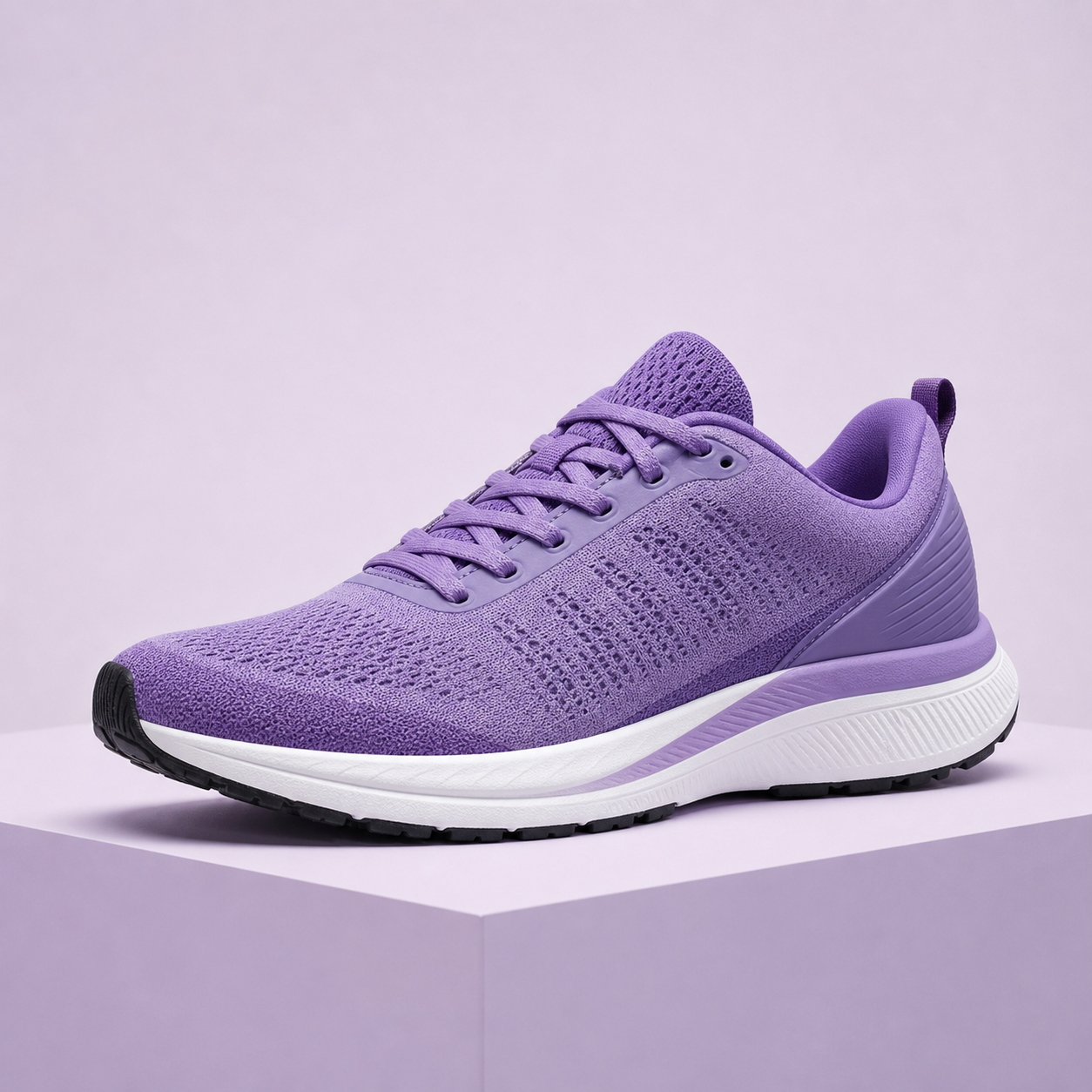
Start by separating the product from its original environment. Then improve resolution or explore a new campaign direction with the same focused PicDo AI workflow.
Remove the backgroundCreate a transparent product cutout from JPG, PNG, or WebP.
Enhance when the source is smallUse 2× AI enhancement before cropping for larger placements.
Explore campaign conceptsGenerate new visual directions from a text description.
A clean source asset makes it easier to adapt imagery across channels without repeating the first editing step.
01
Create a clean product cutout that can be placed onto the background required by each marketplace.
02
Keep product imagery visually consistent across collection pages, detail pages, and variant grids.
03
Reuse the same isolated product in promotional layouts without photographing it again.
04
Move a product into fresh campaign concepts while preserving the original catalog asset.
Start here
Isolate a product and download a transparent PNG ready for your next layout.
Remove a backgroundImprove the source
Upscale a small product photo 2× while improving edges and visible detail.
Enhance a product photoExplore a campaign
Turn a written art direction into a new promotional image or visual concept.
Generate a campaign visualValidate before upload
Check a product image against Amazon main-image requirements before publishing.
Check image readinessStart the live tool without creating a workspace.
Use up to 3 shared AI tasks per day while PicDo AI is free to try.
Originals and generated files are scheduled for automatic deletion after one day.
Practical details for preparing product images with PicDo AI.
The live tool on this page removes the original background and returns a transparent PNG. You can also use PicDo AI's separate tools to enhance a small image 2× or generate a new promotional visual from a text prompt.
No. You can upload a product image and start background removal without creating an account. PicDo AI currently provides up to three shared AI tasks per day.
The upload editor accepts JPG, PNG, and WebP files up to 10 MB. A successful background removal is available to download as a transparent PNG.
PicDo AI can create a clean cutout that is useful when preparing marketplace and storefront images. Each channel controls its own current image specifications, so verify the latest background, crop, resolution, and content requirements before publishing.
Uploaded originals and generated results are scheduled for automatic deletion after one day. Files are retained only long enough to process the task and make the result available for download.
You retain responsibility for the images you upload and publish. Make sure you own or have permission to use the source image, product design, trademarks, and any generated visual elements in your commercial workflow.
Open the full collection of focused tools for editing, enhancement, and image generation.
Open the AI product photo editor